
May 1, 2026
Optical vs Mechanical vs Magnetic Switches: Which Is Best in 2026?
Summarize this blog post with:
 ChatGPT
 Perplexity
 Claude
 Grok
Grok
By Written by Marcus Chen
Quick Answer
Optical switches actuate faster and last longer, making them best for competitive gaming on a budget. Mechanical switches feel better, cost less, offer more variety, and are easier to mod, making them the best choice for typing and hobbyists. Magnetic Hall Effect switches like those in the Epomaker HE80 and Wooting 60HE combine the speed of optical with the feel of mechanical and add adjustable actuation, making them the best all-around choice in 2026 if budget allows.
How Each Switch Type Works

Before comparing performance, it helps to understand the fundamental difference in how each switch registers a keypress. They all do the same job but through completely different mechanisms.
Mechanical Switches
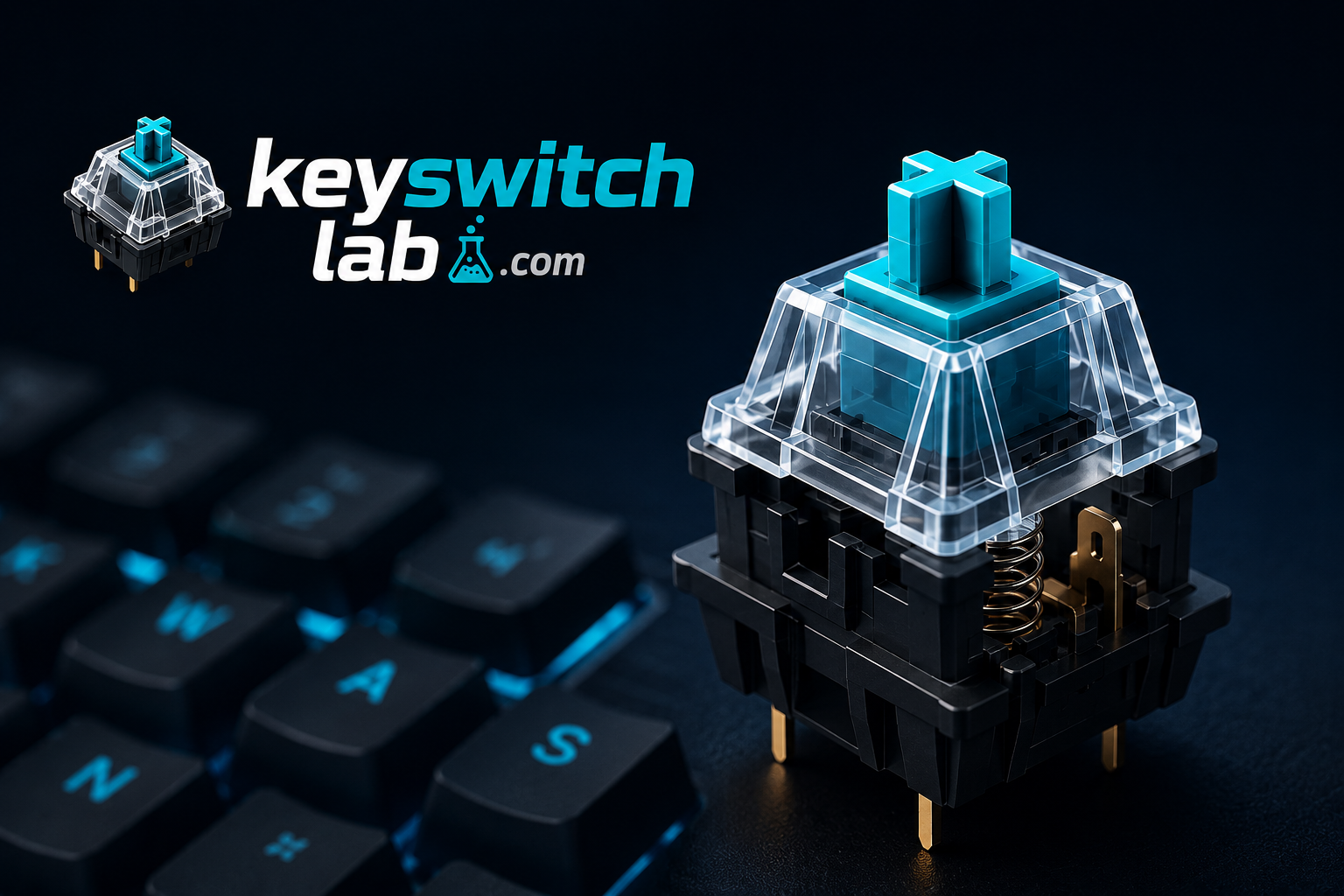
Traditional mechanical switches use a physical metal contact point. When you press a key down far enough, two metal leaves touch, completing an electrical circuit and registering the keypress. This is why they have a characteristic click or tactile bump: that is the physical moment of actuation happening. The spring underneath resets the key when you release.
The debounce algorithm is a small software delay (typically 5 to 10ms) required because metal contacts bounce microscopically on contact, which would otherwise register multiple keypresses. This matters a lot when comparing speed to optical switches.
Optical Switches
Optical switches replace the metal contacts with an infrared light beam and a sensor. When you press the key, the stem physically blocks the light beam, triggering the registration. Because there is no physical contact happening, there is no bouncing and therefore no debounce delay needed. This is the true source of their speed advantage.
They are also more durable in theory since there are no metal contacts to corrode or wear down. Most optical switches are rated for 100 million keystrokes versus 50 to 100 million for mechanical depending on the brand.
Magnetic (Hall Effect) Switches
This is where 2026 gets interesting. Hall Effect switches use magnets and a magnetic field sensor to detect key position. Instead of a fixed actuation point, they detect the exact position of the key at any point in its travel. This enables analog mode, where the key behaves like a joystick axis, and crucially, adjustable actuation points.
You can set actuation at 0.1mm for hair-trigger competitive gaming, or 3.8mm for a deliberate, heavy typing feel. All via software on the same switch. Keyboards like the Wooting 60HE and the Epomaker HE80 run Hall Effect switches. They combine the contactless speed of optical with far greater feel customisability than either optical or traditional mechanical.
Full Head-to-Head Comparison
Here is how all three switch types stack up across every dimension that matters to keyboard enthusiasts and gamers alike.
| Category | Optical | Mechanical | Magnetic (HE) |
|---|---|---|---|
| Speed | Very fast (no debounce) WIN | Slower (debounce delay) | Very fast + adjustable WIN |
| Feel | Hollow, less satisfying | Rich, tactile, thocky WIN | Good, improving rapidly |
| Sound | Loud, plasticky | Deep, customisable WIN | Similar to mechanical |
| Durability | 100M keystrokes WIN | 50 to 100M keystrokes | 100M+ (no contacts) WIN |
| Price | Mid-to-high | Budget to premium WIN | Premium only |
| Variety | Limited (few dozen) | Enormous (hundreds) WIN | Growing but limited |
| Moddability | Very limited | Excellent (lube, film, swap) WIN | Moderate |
| Adjustable Actuation | No | No | Yes, 0.1mm to 4.0mm WIN |
| Hot-swap Compatible | Requires optical PCB | Universal (most boards) WIN | Requires HE PCB |
| Best For | Competitive FPS | Typing, modding, value | All-around in 2026 |
Speed: The Real Data
Speed is the most cited reason to choose optical over mechanical. But the reality is more nuanced than most articles admit. Real-world reaction time testing across four popular switch types produced this result:
| Switch | Type | Actuation | Avg Reaction Time |
|---|---|---|---|
| Razer Optical Purple | Optical | 1.5mm | 0.2304s |
| Cherry MX Red | Mechanical | 2.0mm | 0.2466s |
| Cherry MX Speed Silver | Mechanical | 1.2mm | 0.2468s |
| Gateron Optical Black | Optical | 2.0mm | 0.2624s |
The key insight here: not all optical switches are fast. The Gateron Optical was actually slower than mechanical in testing. Only Razer’s implementation showed a meaningful 30ms advantage, because it genuinely eliminates the debounce delay. Most budget optical switches still apply a software debounce, which closes the gap considerably.
Hall Effect goes further. Magnetic switches on keyboards like the Wooting 60HE allow you to set actuation at just 0.1mm, shallower than any optical switch on the market. Combined with zero debounce and rapid trigger mode, they are technically the fastest keyboard switches available in 2026 by raw numbers.
Sound and Feel: Where Mechanical Wins
This is where traditional mechanical switches are unmatched, and where the keyboard enthusiast community lives. Optical switches produce a sound typically described as hollow and plasticky. There is a lack of weight to the bottom-out that fans of deep, thocky keyboards find unsatisfying.
Mechanical switches, by contrast, are endlessly moddable for sound. You can lube the switch stem for a smoother, deeper sound, add switch films to tighten housing rattle, swap in different springs for different weight, and install foam under the PCB to absorb high frequencies. The result is the kind of deep, full thock that optical simply cannot replicate.
Related Guide
Hall Effect switches sit between the two. They share a similar physical structure to mechanical (spring, stem, housing), so they can be modded and lubed, and they produce a comparable sound. Some enthusiasts note HE switches feel slightly lighter at the same actuation weight, but this is improving with each new generation.
Which Switch Type Should You Choose?
Competitive Gaming
You play FPS or battle royale and every millisecond counts. You do not care about typing feel.
Magnetic / Hall EffectTyping and Writing
You spend most of your time on documents, code, or email. Feel and sound matter more than speed.
MechanicalModding and Enthusiast
You want to lube, film, and tune your switches. You care deeply about thock and customisation.
MechanicalBudget Build
You want a great keyboard without spending a fortune. Value is the priority.
MechanicalBest of Both Worlds
You want gaming speed AND typing feel AND adjustable actuation on the fly.
Magnetic (HE)Office Use
You need a quiet keyboard for a shared space. Silent mechanical variants are the best fit here.
Mechanical (silent)